Key takeaways
- List every existing page before you design anything new.
- Map old URLs to new ones and redirect them properly.
- Keep the content that already earns visibility.
- Check the new site carefully before and after launch.
Why redesigns can hurt search visibility
Search engines remember your pages by their address and content. When a redesign changes URLs, removes pages or rewrites text without a plan, the visibility those pages built can disappear. The new site may look better and still lose the visitors who used to find the old one.
Before you design: take stock
- Export a list of every page on the current site.
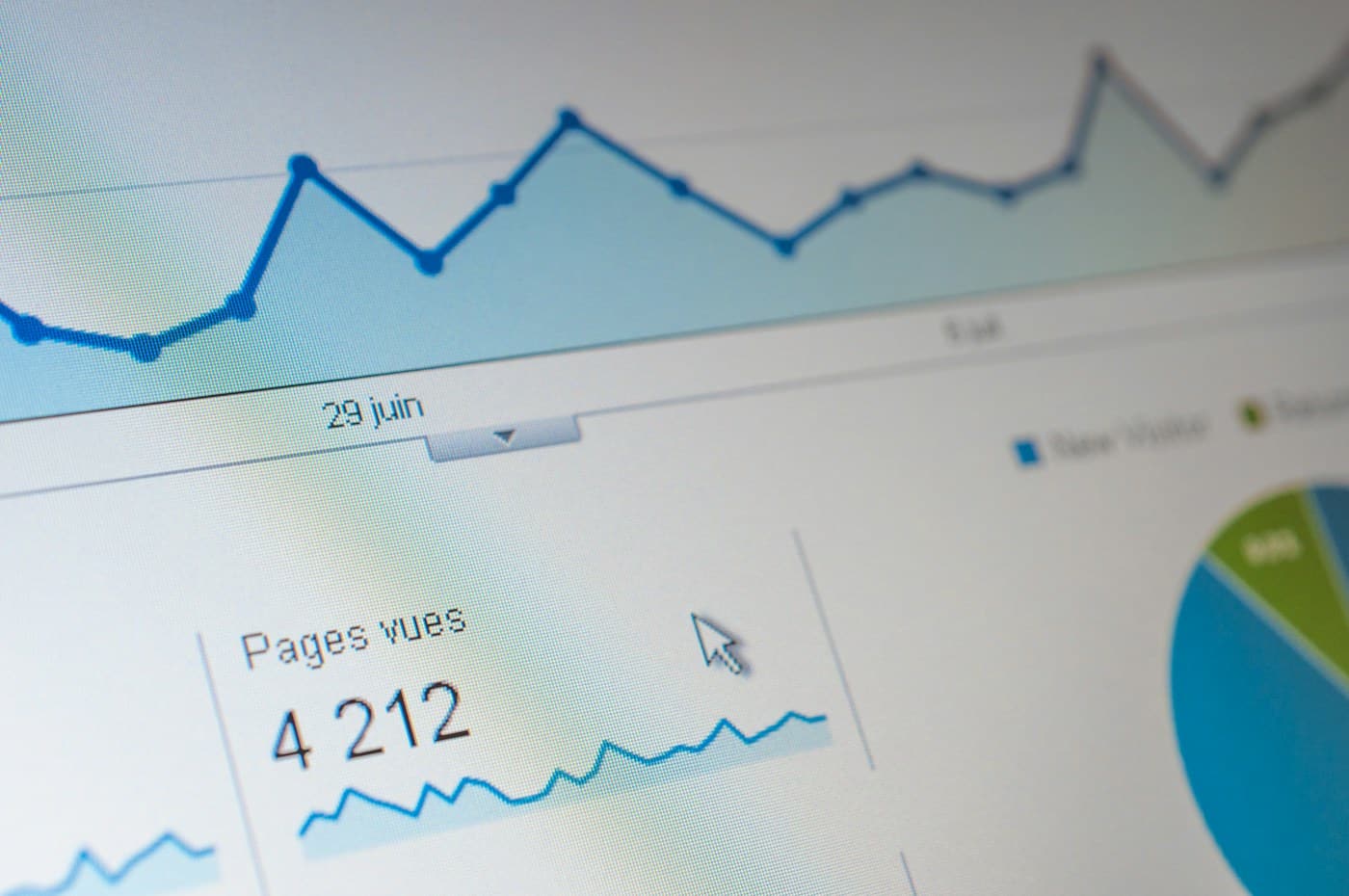
- Note which pages bring visitors and enquiries, using your analytics.
- Record titles, descriptions and headings on the important pages.
- Decide which pages to keep, merge or retire, and why.
Map old URLs to new ones
Where a page moves, set up a permanent redirect from the old address to the new one, so visitors and search engines arrive in the right place. Where a page is retired, send it to the closest relevant page rather than to the home page.
Protect what already works
Content that earns visibility usually does so because it answers a real question well. Improve it, but do not thin it out or bury it. Keep headings clear, keep key text on the page as real text, and keep internal links sensible.
Test before launch and monitor after
- Test the new site on a staging copy that search engines cannot index.
- Check speed, mobile behaviour and accessibility on real devices.
- Confirm redirects work and that tracking is installed.
- After launch, watch search reports and analytics, and fix problems quickly.
Some movement after launch is normal. A plan and careful monitoring are what keep it small and short.
Frequently asked questions
Will a redesign always change my search rankings?
Not necessarily, but rankings can move, especially if URLs, content or structure change. Careful planning, redirects and testing reduce the risk. No one can promise rankings will stay exactly the same.
Should I change my URLs during a redesign?
Only if there is a good reason. Keeping existing URLs avoids a whole category of risk. If they must change, map each old address to its new one with a permanent redirect.
Parmanu Digital TeamWritten by the Parmanu Digital team. Reviewed 7 November 2026.